 Security
Secure File Transfer Checklist for WinSCP
A checklist of settings to verify before you use WinSCP for server transfers: protocol, host keys, authentication, logging and saved sessions.
SecurityA checklist of settings to verify before you use WinSCP for server transfers: protocol, host keys, authentication, logging and saved sessions.
 Operations
How a small IT team can keep one shared list of remote connections in mRemoteNG, with clear ownership, change control and a backup routine.
 Operations
How to record a configuration change with a WinMerge comparison and Greenshot captures, so that reviewers and auditors can see what changed and why.
 Security
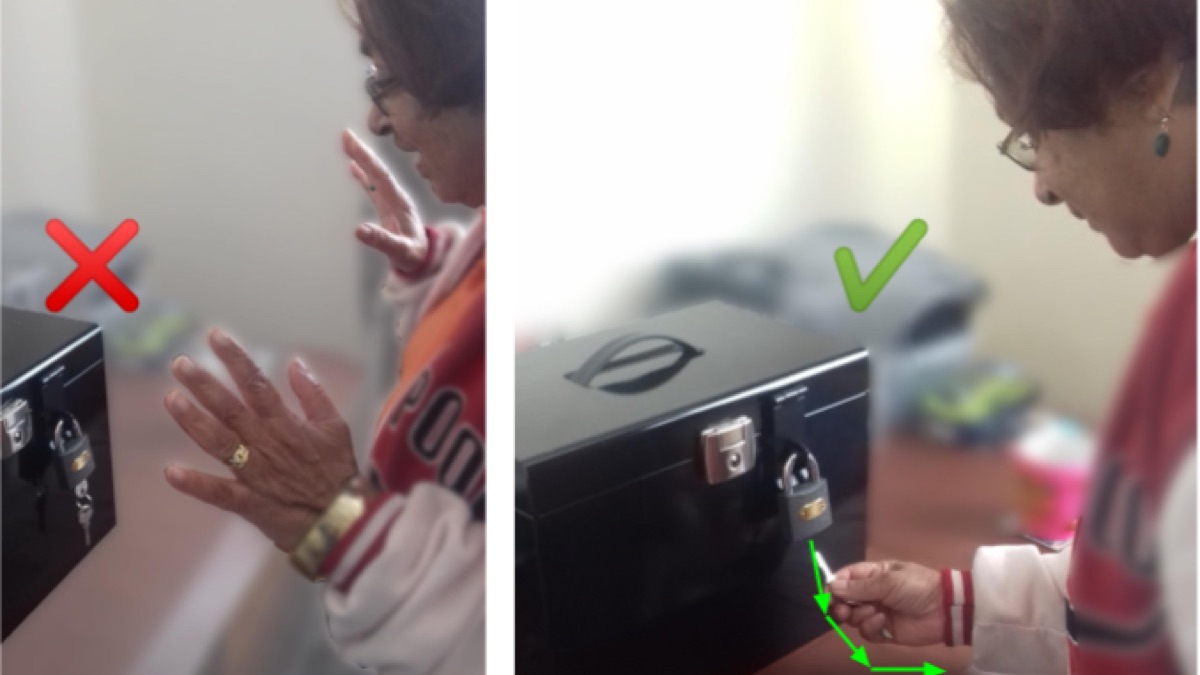
How to keep SSH private keys and server passwords in a KeePassXC database, and use them with WinSCP without leaving secrets on the desktop.
 Security
How to protect an mRemoteNG connection file with a password, limit who can read it on a share, and keep saved credentials from spreading.
 Security
How a small IT team can store shared service and device passwords in a KeePassXC database, with groups, access rules and a review routine.
 Networking
A beginner-friendly workflow for copying configuration files, logs and backups between a Windows PC and Linux servers using WinSCP over SFTP.
 Deployment & Updates
Step-by-step: build a bootable Windows 11 USB drive with Rufus for UEFI PCs, with the right partition scheme, file system and verification steps.
 Operations
How to set up one Ventoy USB drive that boots several ISO files, from Windows installers to Linux live systems and diagnostic tools.
 Security
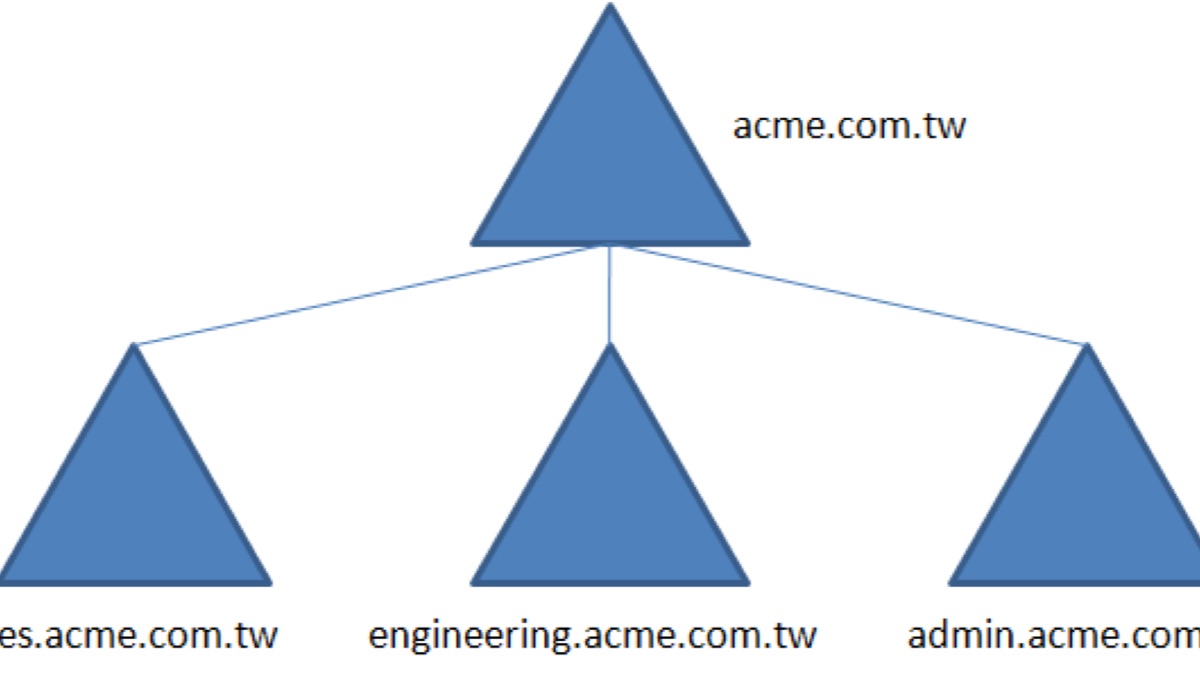
How to turn on Windows LAPS for Active Directory, store local administrator passwords securely, and retrieve them when you need them.
 Operations
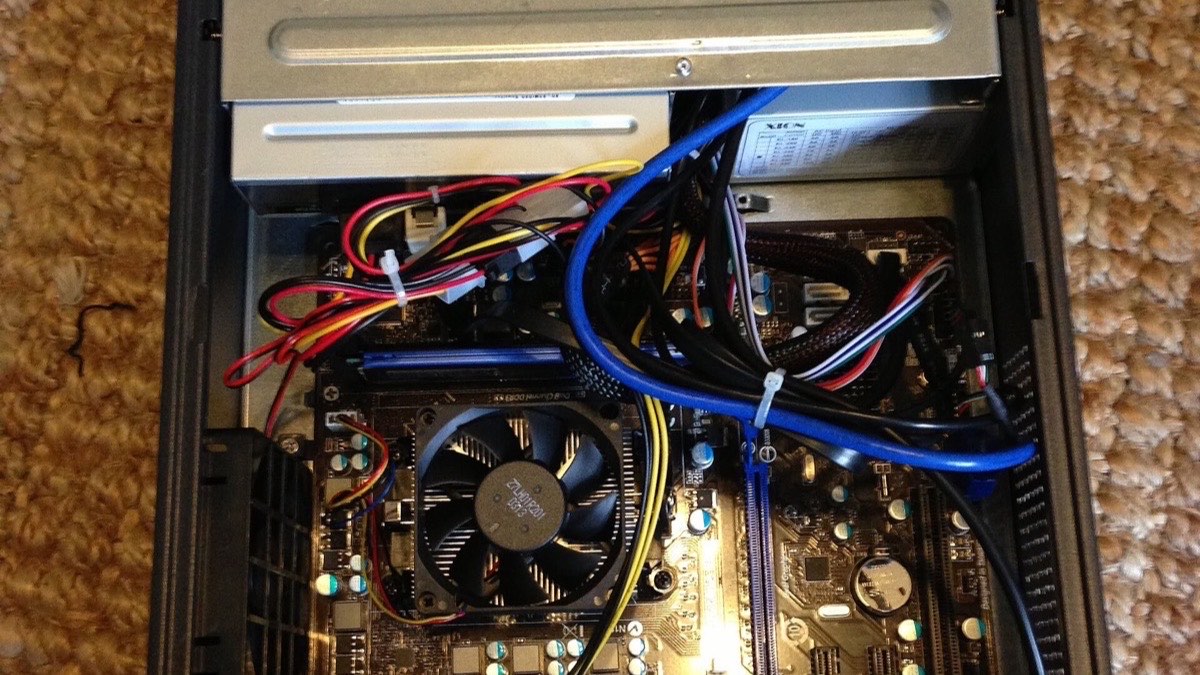
How to add a Windows PE (WinPE) image to a Ventoy stick, so that you can repair, image and recover PCs when Windows will not start.