Rufus or Ventoy: Which USB Tool Should an Admin Use?
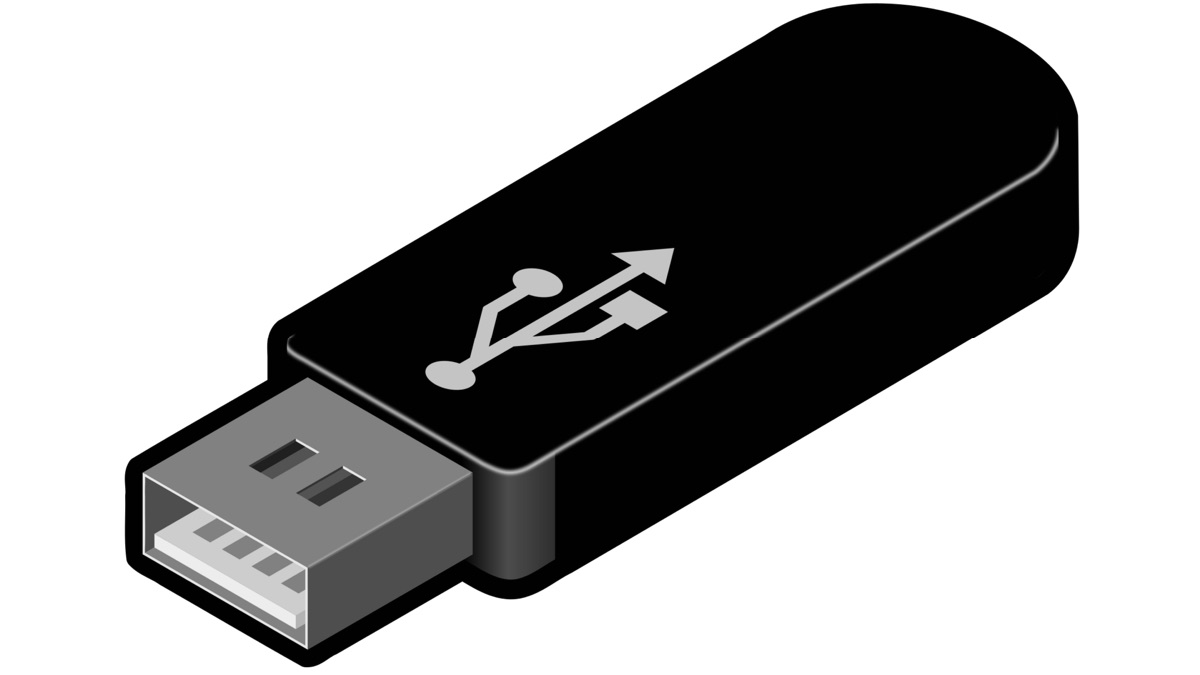
Rufus and Ventoy both make bootable USB drives, but they solve different problems. Choosing the right one saves time when you rebuild PCs or respond to a failure on site.
Rufus: one image, one stick
Rufus writes one ISO image to one drive. This is the right choice when:
- You need a clean installer for one Windows version and one edition.
- You want Rufus’s Windows options, such as offline or local-account setup, for a controlled build.
- The stick must behave exactly like the original Microsoft media.
Rufus rewrites the whole drive each time you change the image.
Ventoy: many images, one stick
Ventoy installs a small boot loader once. Then you copy ISO, WIM or IMG files onto the drive and pick one from a menu. It is the better choice when:
- You support several Windows versions or rescue tools.
- You carry one stick for many visits.
- You want to add or replace an image without reformatting.
A simple rule
Use Rufus for a single, controlled installer. Use Ventoy for a toolbox. Many teams keep both: a Rufus stick for standard builds and a Ventoy stick for field repairs. See the admin toolbox guide for how to combine them.
Before you choose
- Test each image on the actual hardware you support, especially on machines with Secure Boot enabled.
- Keep a checksum of every ISO you use, and record where it came from.
- Label each stick physically with its contents and date.